
Can Online PDF Tools Read Your Files? (Privacy)
Find out if online PDF tools can access and read your documents. Learn about metadata exposure, server access, and how to protect your files.
When you upload a PDF to an online tool, you might assume it's a simple, private transaction. But is it?
The uncomfortable truth: When you use most online PDF services, someone—or something—can technically access your document.
This article explains exactly what happens to your files and how to protect yourself.
What Happens When You Upload a PDF
When you use a server-side PDF tool:
-
Your file travels across the internet passing through routers, switches, and potentially insecure networks
-
Your file arrives on their server a computer controlled by the tool provider
-
Your file is stored (temporarily) even if "deleted after 1 hour," it exists during that window
-
Software processes your file automated, but the capability to read exists
-
Employees may have access depending on company policies and security practices
Can They Actually Read Your Content?
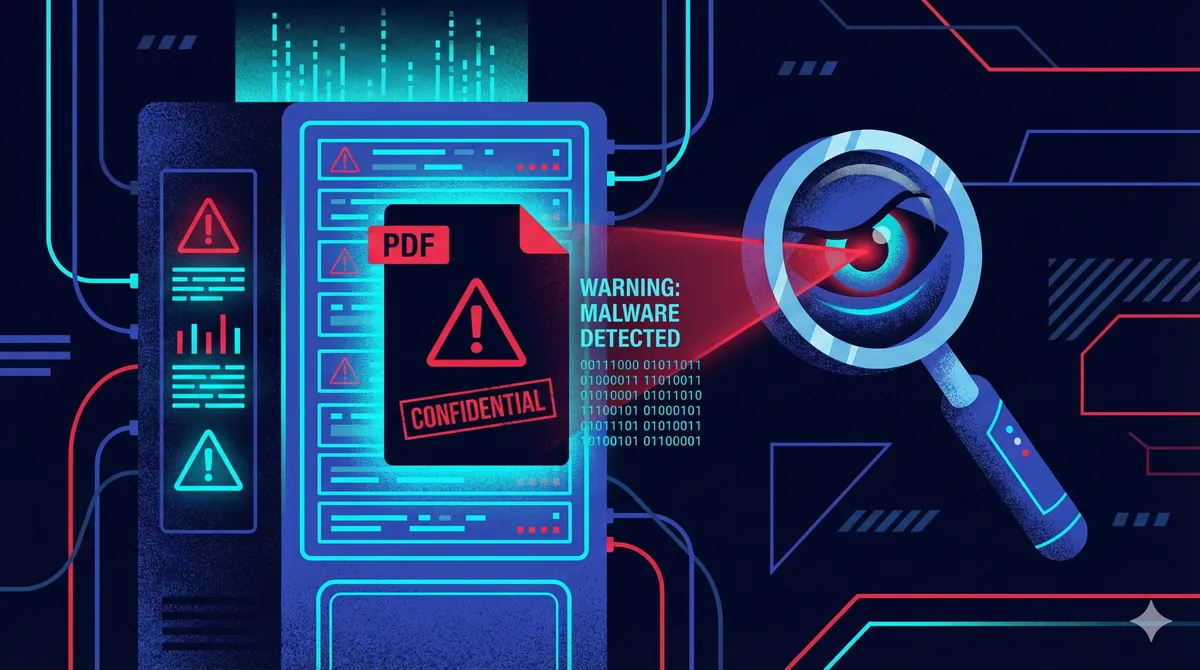
Technically, yes.
Any service that receives your file has the theoretical ability to:
- Open and view the document
- Extract text content
- Analyze images and graphics
- Read metadata (author, dates, software used)
- Store copies beyond stated retention periods
Whether they do read your files depends on:
| Factor | Varies By Provider |
|---|---|
| Privacy policy | Some explicitly allow analysis |
| Security practices | From excellent to poor |
| Employee access controls | Varies widely |
| Legal jurisdiction | Different countries, different rules |
| Business model | "Free" tools may monetize data |
What About "We Delete Files After 1 Hour"?
This is a common claim. Problems:
You're trusting their word There's no way to verify deletion actually occurs.
Backups may exist Enterprise servers often have automated backups.
Logs may capture data Filenames, sizes, and even content snippets might be logged.
1 hour is still a window That's 60 minutes of exposure.
The Metadata Problem
Even if content isn't "read," PDFs contain metadata:
| Metadata Field | What It Reveals |
|---|---|
| Author | Your name or username |
| Creation date | When document was created |
| Modification date | Last edit timestamp |
| Software | What program created it |
| Title | Document title |
| Subject | Document subject |
| Keywords | Embedded keywords |
| Comments | Revision comments |
This metadata is automatically extracted by most PDF processing software—without intentional "reading."
Real Concerns by Use Case
Legal Documents
Contracts, NDAs, and case files often contain:
- Client names
- Case details
- Confidential terms
Risk: Privilege could be compromised.
Financial Records
Tax returns, statements, and reports include:
- Account numbers
- Income figures
- Personal identifiers
Risk: Identity theft, fraud.
Medical Records
Patient files contain:
- Health conditions
- Treatment history
- Personal information
Risk: HIPAA violations, privacy breach.
Business Documents
Proposals, strategies, and internal memos reveal:
- Business plans
- Pricing models
- Competitive information
Risk: Competitive disadvantage.
How to Know If a Tool Is Reading Your Files
Warning signs:
| Red Flag | What It Suggests |
|---|---|
| Vague privacy policy | They may reserve rights to use data |
| "AI-powered" features | Often requires content analysis |
| Account required | Data linked to your identity |
| Free with no clear business model | You may be the product |
| Terms mention "service improvement" | May analyze content |
The Solution: Client-Side Processing
Some tools process files entirely in your browser:
- Your file never leaves your device
- No server ever receives the document
- No upload = no exposure
- Impossible for anyone to read (because they never see it)
This approach uses technologies like WebAssembly to run processing code locally.
How Client-Side Tools Protect You
| Threat | Server-Side | Client-Side |
|---|---|---|
| Server breach | ⚠️ Exposed | ✅ Nothing to breach |
| Employee access | ⚠️ Possible | ✅ Impossible |
| Network interception | ⚠️ Risk during upload | ✅ No upload |
| Metadata extraction | ⚠️ Automatic | ✅ Never transmitted |
| Compliance issues | ⚠️ Data custody unclear | ✅ Data stays with you |
What Should You Do?
For non-sensitive files: Regular online tools are probably fine.
For anything containing personal, financial, legal, or medical information: Use only client-side tools.
For maximum security:
- Verify the tool is truly client-side
- Remove metadata before sharing results
- Use your own device (not shared computers)
For a secure way to work with sensitive PDFs, see: How to Merge PDF Files Securely Without Uploading.
The Bottom Line
Most online PDF tools can read your files. Whether they do is a matter of trust.
If your documents contain anything sensitive, the only guaranteed protection is ensuring your files never leave your device.
Related Reading
Written by the AeroPDF Team. Last updated: January 2026.
Ready to Try AeroPDF?
All our 22+ PDF tools are 100% free and work directly in your browser. Zero uploads, no signups — total privacy.