
Client-Side vs Server-Side PDF Tools Explained
Understand the technical difference between client-side and server-side PDF processing. Learn which approach keeps your documents private.
When you use an online PDF tool, your files are processed somewhere. But where that processing happens makes an enormous difference for your privacy and security.
There are two fundamentally different approaches:
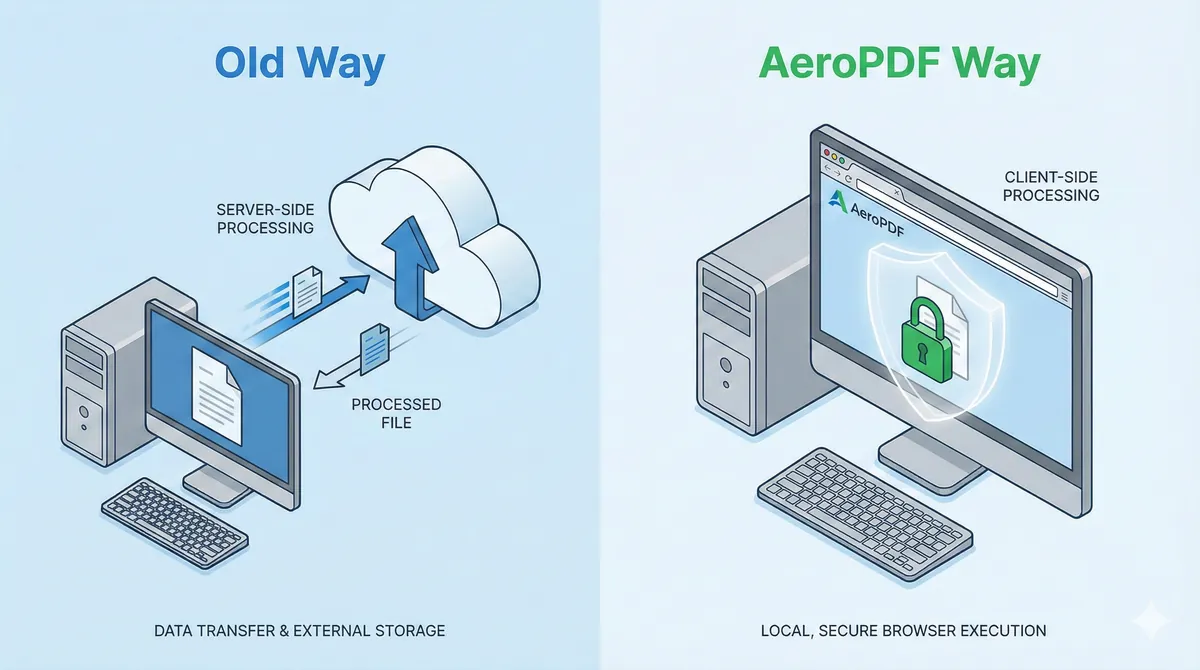
- Server-side processing Your files are uploaded to a remote computer
- Client-side processing Your files stay on your device
This article explains both approaches in plain terms.
Server-Side Processing: The Traditional Approach
Most online PDF tools work this way:
Your Computer → Internet → Their Server → Internet → Your Computer
How It Works
- You upload your PDF files
- Files travel to a remote server (often in another country)
- Their server runs the operation (merge, convert, etc.)
- The result is sent back to you
Why Most Tools Use This Approach
Server-side is easier to build. The company controls the processing software, and users don't need powerful computers.
The Problem
Your documents exist even temporarily on infrastructure you don't control. This creates:
- Privacy risk Others could access your files
- Security risk Servers can be breached
- Compliance risk Data custody is unclear
- Speed issues Upload and download take time
Client-Side Processing: The Modern Approach
Client-side tools keep everything local:
Your Computer → Your Computer
How It Works
- You load the webpage
- The processing code runs in your browser
- You select your files
- Your browser does the work
- The result is saved directly to your device
At no point do files leave your computer.
The Technology Behind It
Modern client-side tools use:
WebAssembly (Wasm) Compiled code that runs at near-native speed inside browsers. This allows complex operations like PDF manipulation without plugins or downloads.
JavaScript PDF Libraries Libraries like pdf-lib operate entirely in the browser, reading and writing PDF files without server communication.
Browser APIs Local file access, blob handling, and download triggers all happen client-side.
Direct Comparison
| Aspect | Server-Side | Client-Side |
|---|---|---|
| Where files go | Remote server | Your device only |
| Privacy | ⚠️ Files exposed | ✅ Files stay local |
| Speed | Depends on connection | ✅ Instant (no upload) |
| Works offline | ❌ No | ✅ Yes |
| Server costs | High (for provider) | Low |
| Device requirements | Low | Moderate (uses your CPU/RAM) |
| GDPR/HIPAA safe | ⚠️ Requires compliance | ✅ By design |
Why This Matters for You
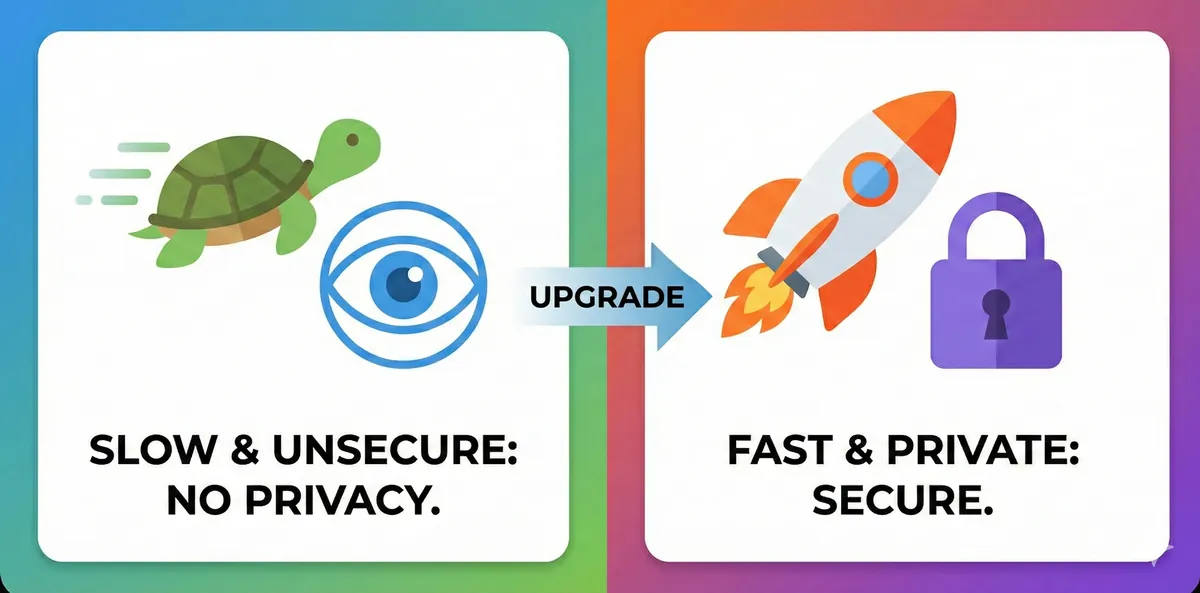
If you value privacy: Client-side tools are the only way to guarantee your documents aren't accessed by third parties.
If you handle sensitive data: For legal, medical, or financial documents, client-side processing avoids custody and compliance questions.
If you work on slow connections: No upload means no waiting. Processing is as fast as your computer.
If you need offline access: Client-side tools work after the page loads, even without internet.
How to Identify Client-Side Tools
Look for these signs:
| Indicator | Likely Client-Side |
|---|---|
| "No upload" in messaging | ✅ |
| Works offline | ✅ |
| Uses WebAssembly/Wasm | ✅ |
| No account required | ✅ (usually) |
| Very fast processing | ✅ |
If a tool shows an upload progress bar or requires you to wait while "processing on our servers," it's server-side.
Example: AeroPDF
AeroPDF uses 100% client-side processing with WebAssembly:
- Files never upload All operations happen in your browser
- No accounts needed No data collection
- Instant results No server wait time
- Works offline After first page load
For a practical walkthrough, see: How to Merge PDF Files Securely Without Uploading.
The Tradeoffs
Client-side isn't perfect for everything:
| Limitation | Server-Side Solution |
|---|---|
| Very large files (500MB+) | May need server power |
| Older devices/browsers | May struggle |
| Complex AI operations | Often need GPUs |
For most PDF operations (merge, split, compress, convert), client-side is now fully capable.
Summary
| Choose Server-Side If | Choose Client-Side If |
|---|---|
| You don't care about privacy | Privacy matters |
| Files are not sensitive | Files are sensitive |
| You need server-level power | Standard operations suffice |
For most users, client-side is the better choice.
Related Reading
Written by the AeroPDF Team. Last updated: January 2026.
Ready to Try AeroPDF?
All our 22+ PDF tools are 100% free and work directly in your browser. Zero uploads, no signups — total privacy.